How to show up on Google Maps with your business in Cusco: a step-by-step guide
Set up and optimize your Google Business Profile to appear on the map when customers in Cusco search for what you sell: category, verification, photos, reviews and the mistakes that hold you back.
 By NeoData GROUP
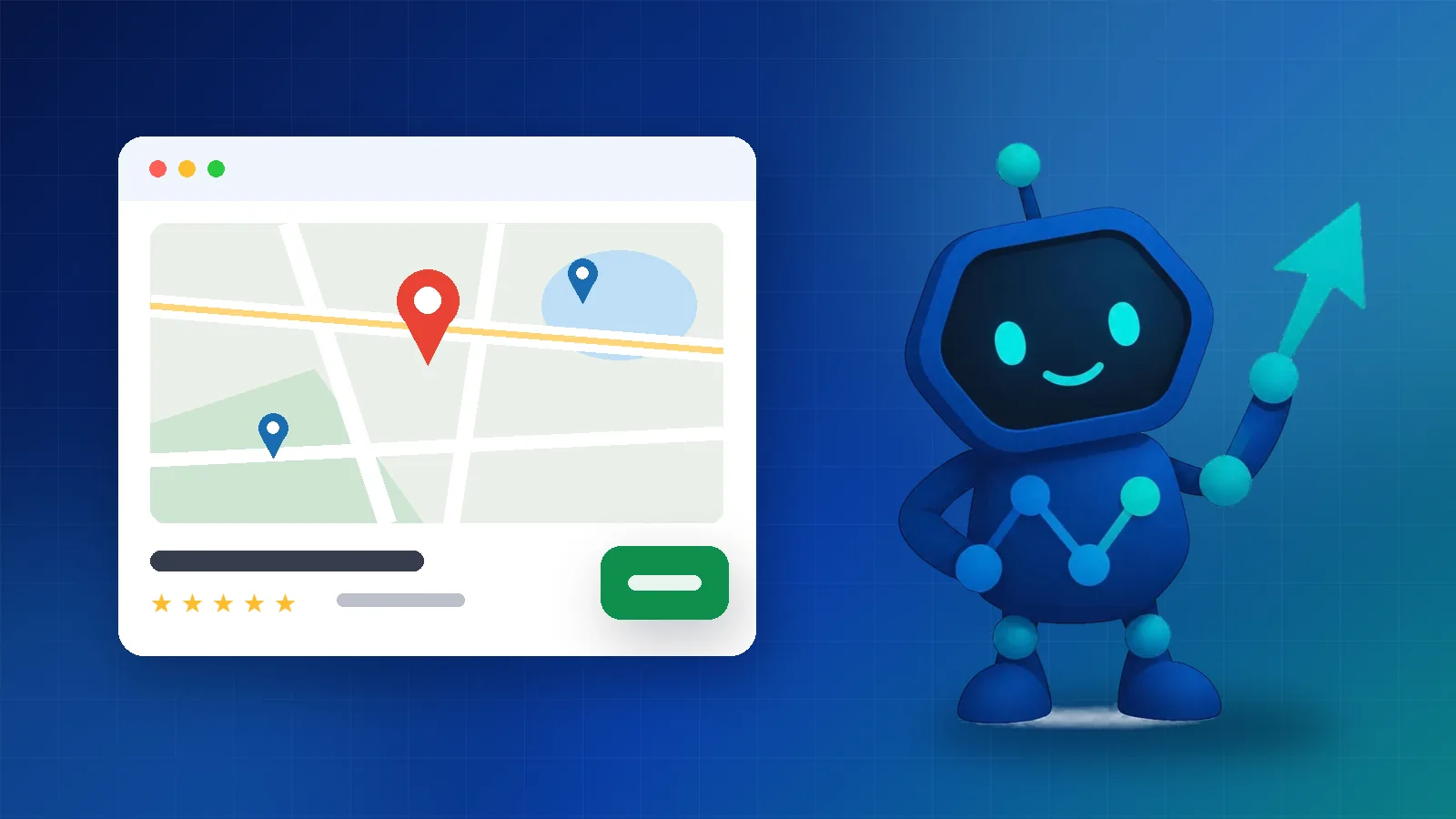
When someone types “restaurant near me”, “travel agency in Cusco” or “web design Cusco”, Google shows a map with three highlighted businesses before any website. That spot is gold, and you don't need to pay for ads to get there: you need a well-optimized Google Business Profile.
In this guide we explain, step by step, how to set it up and optimize it.
What is a Google Business Profile?
It's the free listing for your business that appears on Google Maps and Search: name, category, opening hours, phone, photos, reviews and a link to your website. It used to be called Google My Business, and it's managed at business.google.com.
Step 1: create or claim your profile
Search for your business on Google Maps. If it's already there (sometimes a customer or Google itself creates it), tap “Own this business?” and claim it. If it isn't, create it at business.google.com using a company Google account, not an employee's personal one.
Step 2: choose the right category
The primary category is one of the most important factors. Pick the one that describes exactly what you do (for example “Travel agency”, “Hotel”, “Peruvian restaurant” or “Website designer”) and add secondary categories only if you really offer those services.
Step 3: address or service area
- If customers visit you, enter the exact address and make sure the pin is in the right place.
- If you serve customers at their location or online, set it up as a service-area business: your address is hidden and you define the areas you cover (for example Cusco, Wanchaq, San Sebastián).
Step 4: verify your business
Google needs to confirm your business exists. Depending on the case, it will ask for a video of your premises, a phone call, a text message, an email or a postcard with a code. Your profile won't rank well until it's verified, so don't leave this for later.
Step 5: fill in every detail
A complete profile builds more trust and gets more clicks. Fill in:
- Opening hours (and special hours on holidays).
- Phone or WhatsApp and the link to your website.
- A description of up to 750 characters saying what you do, where and for whom.
- Services or products, with prices if possible.
- Attributes: card payments, wifi, accessibility, languages.
Use exactly the same name, phone number and address on your profile, website, Facebook and Instagram. When the details don't match, Google trusts your business less.
Step 6: upload real photos (and keep uploading)
Upload your logo, a cover photo, photos of the outside (so people can find you) and inside of your premises, your team and your products or services. Profiles with recent photos get more visits. Add new photos every month.
Step 7: get reviews and reply to all of them
Reviews influence your ranking and, above all, the customer's decision.
- Copy the review link from your profile and send it via WhatsApp after each sale.
- Ask customers to mention the service they received (it also helps SEO).
- Reply to every review, including negative ones, respectfully and with a solution.
- Never buy reviews or write them yourself: it breaks Google's policies and can get your profile suspended.
Step 8: post updates
From your profile you can publish offers, events and news with a photo and a button. One post every week or two shows the business is active.
What decides who ranks first
Google explains that local ranking depends on three factors:
| Factor | What it means | What you can do |
|---|---|---|
| Relevance | How well your profile matches the search | Right category, complete description and services |
| Distance | How close you are to the person searching | Correct address or service area |
| Prominence | How well known and well rated your business is | Reviews, photos, mentions on other sites and a good website |
Mistakes that cost you rankings
- Stuffing keywords into the name (“NeoData Cheap Websites Cusco”): it breaks the guidelines and can lead to a suspension.
- Having duplicate profiles for the same business.
- Different details on Google, your website and social media.
- Not replying to reviews or questions.
- Having no website, or a slow, outdated one.
Connect your profile to your website
Your profile and your website boost each other. Your site should show the same contact details, a map, a link to your listing and structured data so Google understands where you are and what you do. If you don't have a website yet, see how much a website costs in Peru.
Conclusion
Showing up on Google Maps in Cusco isn't luck: it takes a complete, verified profile with photos and reviews, connected to a good website. If you'd like help setting it up, get in touch and we'll review it with you.
Want to apply this to your business?
Free consultation and a tailored proposal, no strings attached.